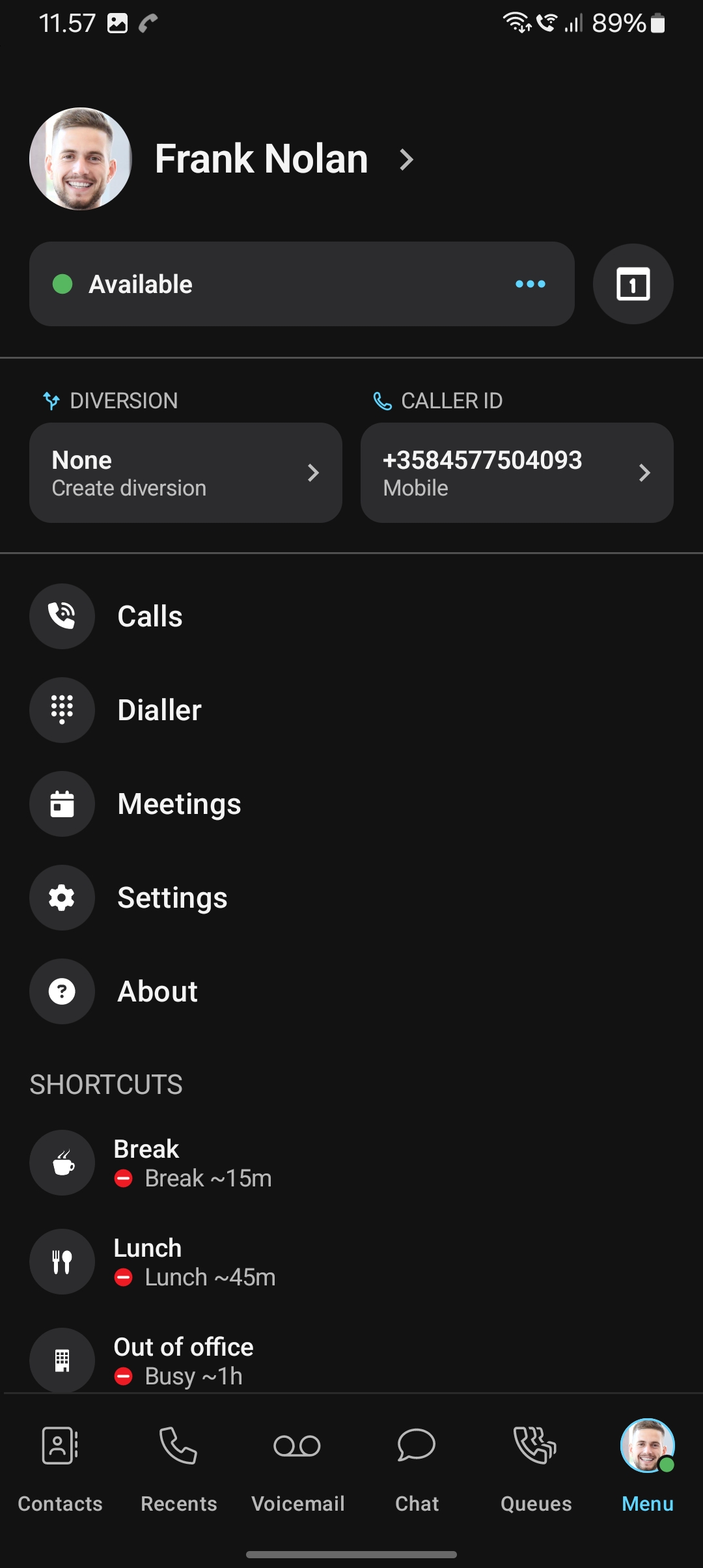
Setera OneCloud Mobile version 7.0 introduces a new and clearer user interface. The redesign is designed to make the application faster and easier to use by reducing the number of clicks and swipes needed to access key features.
New bottom navigation
You no longer need to swipe left or right to access different areas of the application. The most important features are now available directly from the navigation bar at the bottom of the screen.
The bottom navigation gives you access to:
- Contacts & Favorites
- Recent Calls
- Voicemail
- Chat
- Queues
- Menu
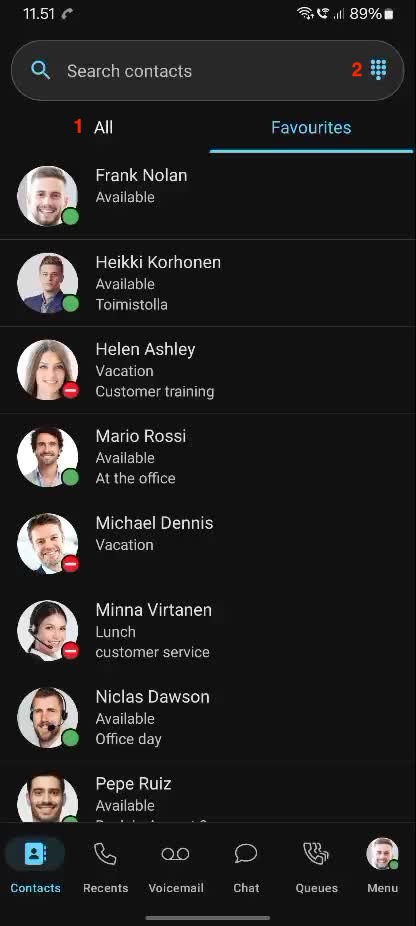
1. Contacts & Favorites
The Contacts & Favorites view gives you quick access to the contacts you use most.
The view includes:
- your organization's internal favorite contacts
- all company contacts (1)
Searching for contacts
Use the search field at the top of the screen to quickly find a contact.
You can search for company contacts as well as contacts stored on your mobile phone. Once you find the contact you are looking for, you can call them directly from the application, by clicking and keep on hold until new menu appears.
The dialpad view allows you to manually enter number (2)
2. Recent Calls
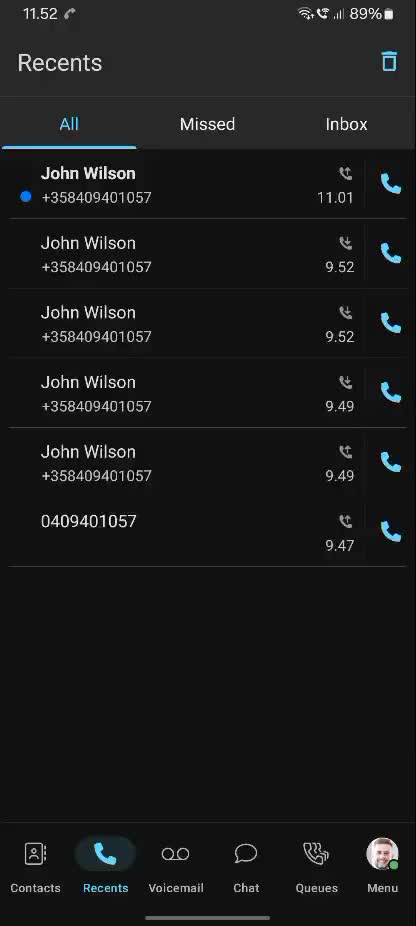
The Recent Calls view contains your personal call history.
Here you can see:
- incoming calls
- outgoing calls
- missed calls
- voicemail inbox
This makes it easy to check who has called you or who you have recently called.
3. Voicemail
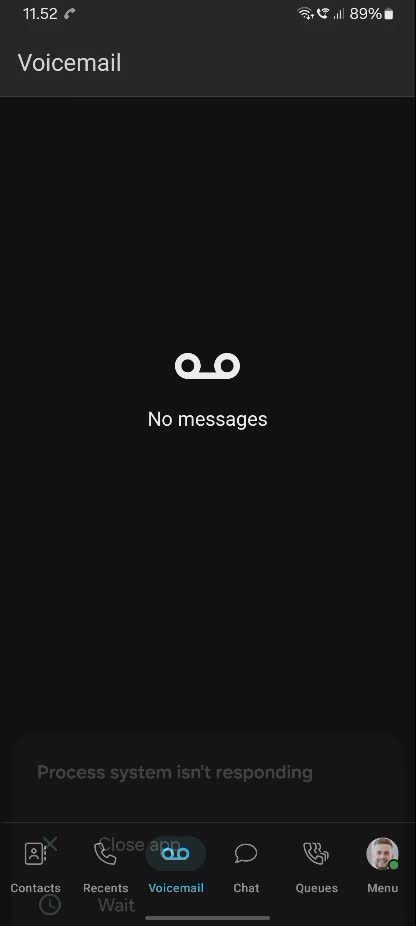
The Voicemail view gives you access to messages left in your voicemail.
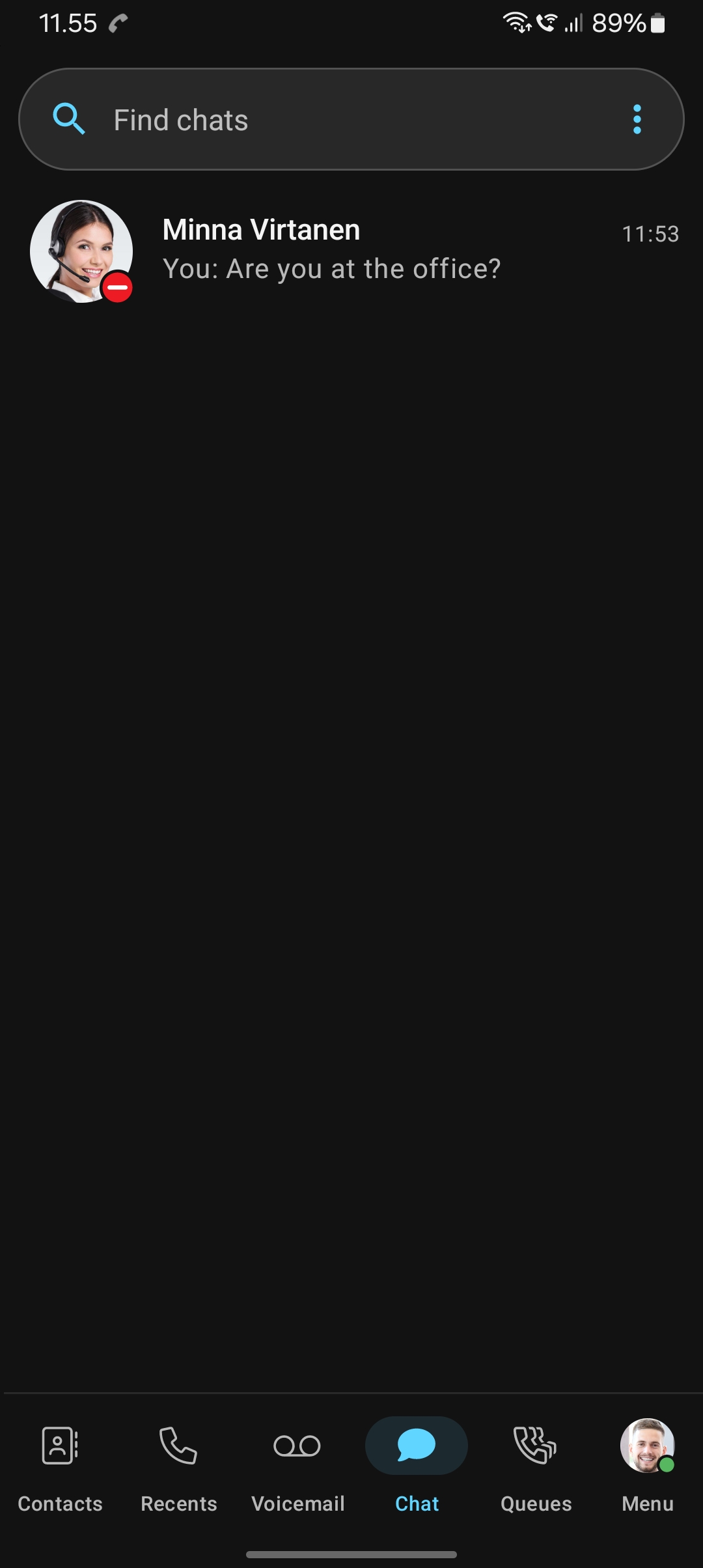
4. Chat
The Chat view provides access to your organization's internal chat.
Use the chat to communicate with other users in your organization directly from the OneCloud Mobile application.
5. Queues
The Queues view allows you to manage the groups and queues you are a member of.
From here, you can:
- log in to groups
- log out of groups
- manage group members (with supervisor access)
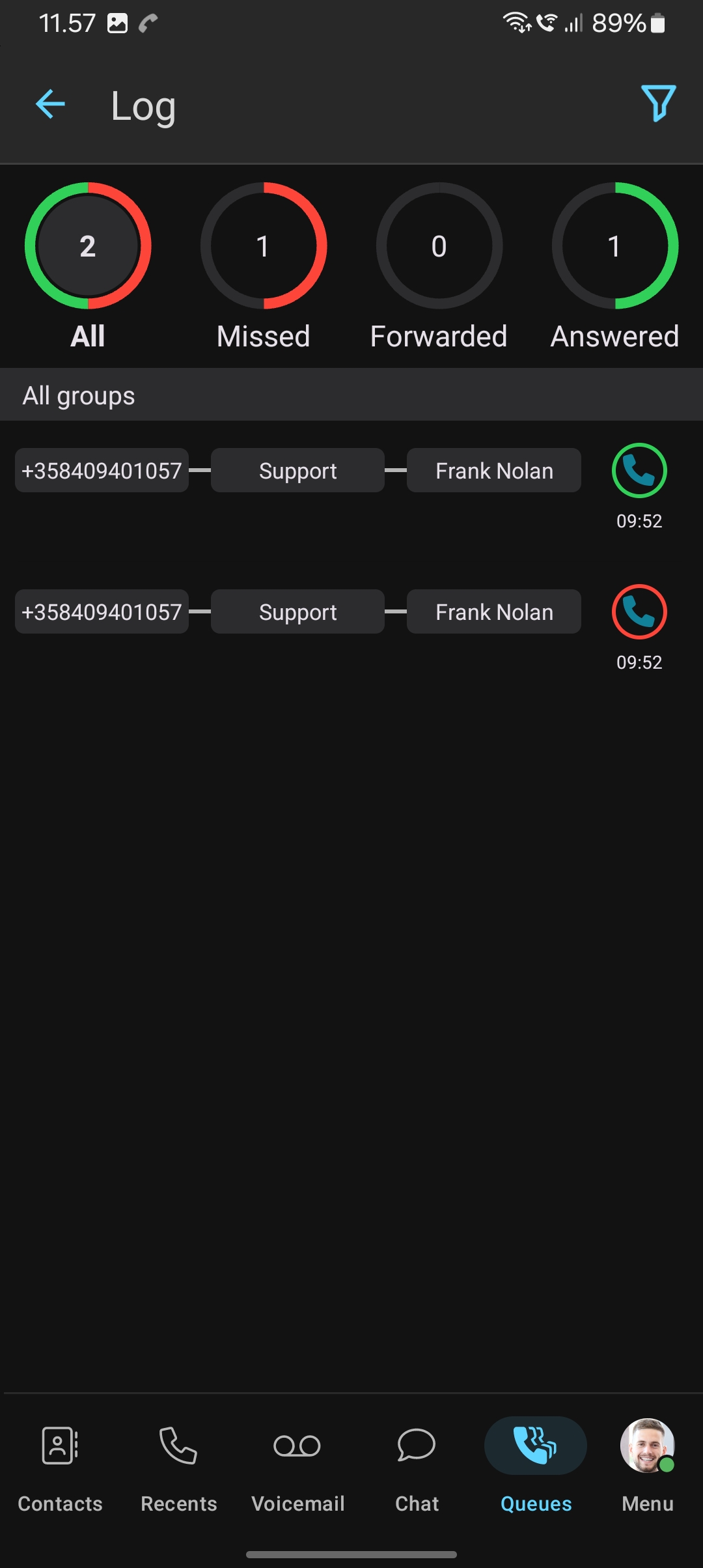
- view group call log (1)
Queue management is therefore available directly from the main navigation, making it easier to manage your availability in different groups.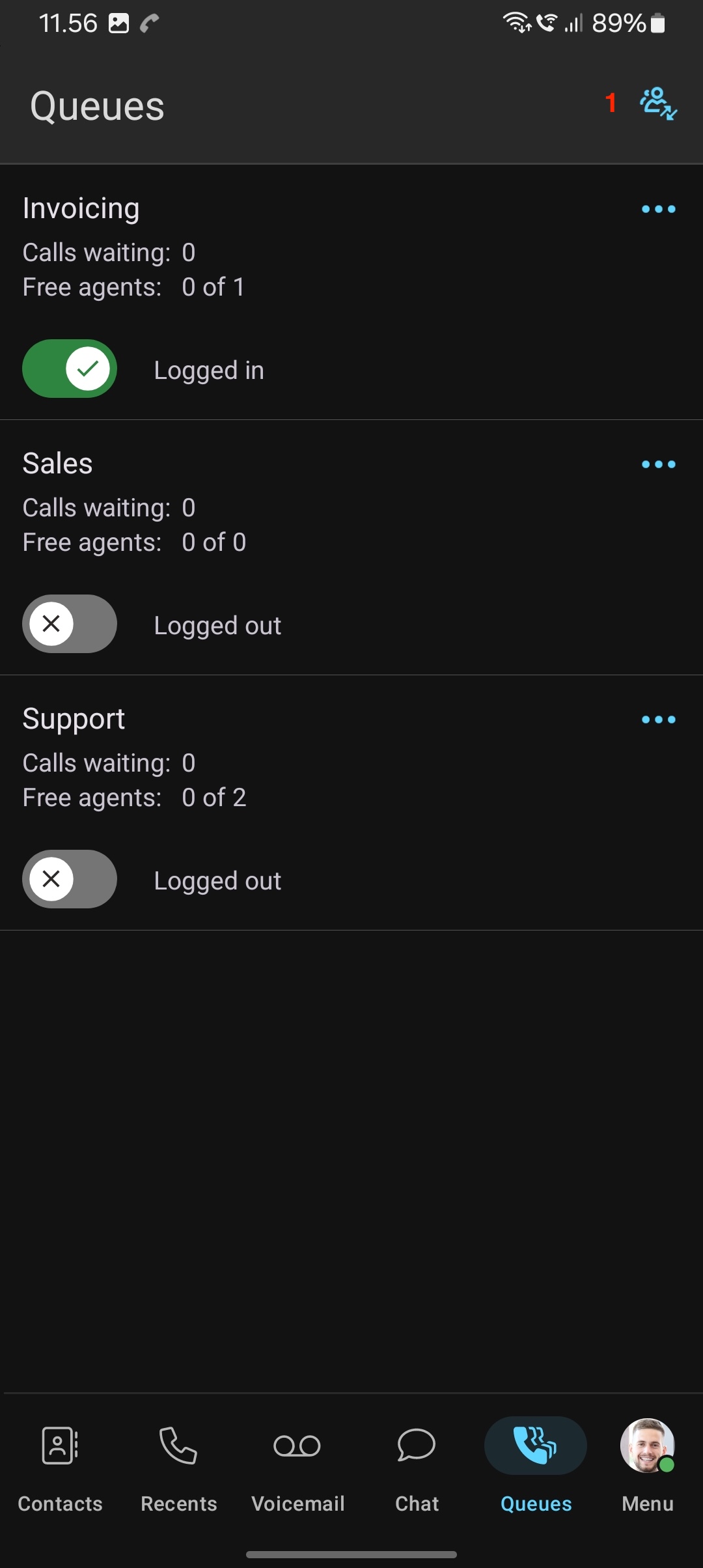
6. Menu
The Menu contains your personal information and application settings.
Here you can find, for example:
- your personal user information
- presence settings
- call diversion settings
- settings for the number displayed to external callers
- other application settings
When you want to change your presence status, manage your externally displayed number, or adjust application settings, you can find these functions under Menu.